
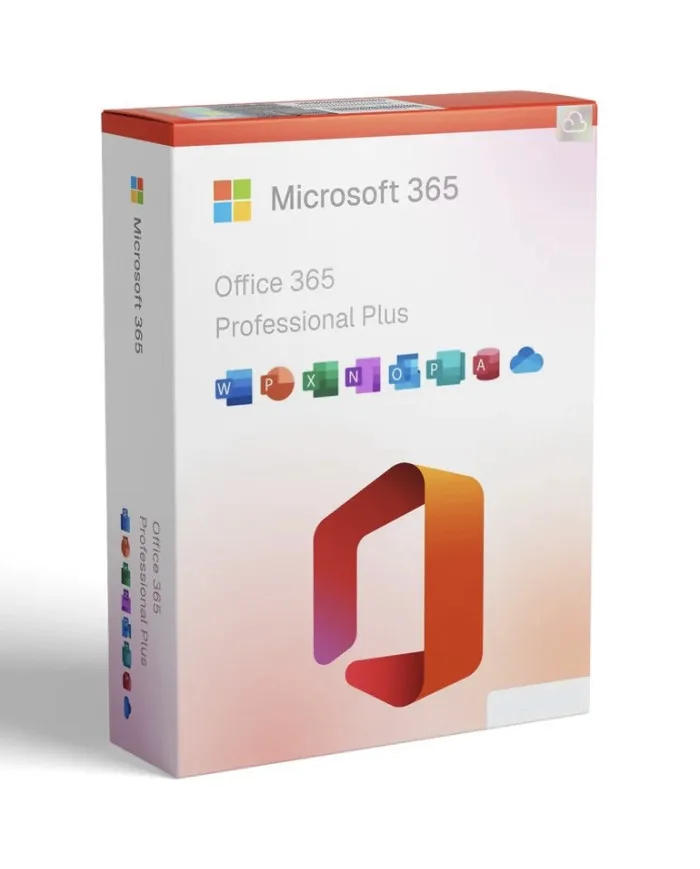
Business work moves fast. Teams need tools that help them write reports and manage data as well as share ideas. Microsoft 365 offers a set of apps for these daily tasks. Yet one question often comes up before a purchase. Can users get a permanent key for Office 365? It is important to understand how the licence works before choosing a plan. A clear view of the options can help businesses avoid extra costs and select software that fits their work.
Understand The Licence Model
Office 365 is now part of the Microsoft 365 brand. It mainly works through subscription plans rather than a single permanent product key. This means users pay for access over a set period. The plan may include apps and cloud services based on the chosen package. When the subscription ends, some paid features may stop working or become limited. This is different from a one-time Office licence. Buyers should understand this difference before making a decision. It helps set the right budget from the start.
What Permanent Means
The phrase office 365 permanent key is often used by people who want to pay once and keep using the software. However, a permanent key is not the normal licence model for Microsoft 365 subscriptions. A one-time Office purchase may be a better match for users who do not want recurring payments. These products have their own features and terms. They may not include the same cloud services or future upgrades as a subscription. Always check the exact product name before buying. Similar names do not mean identical licences.
Tools For Business Teams
Microsoft 365 offers apps that help teams handle different kinds of work. Word supports reports and business documents. Excel helps track sales and manage figures. PowerPoint can turn plans into clear presentations. Outlook keeps email and calendars in one place. Some plans also include tools for online meetings and shared files. This can make teamwork easier when staff work from different locations. The exact apps depend on the plan. A business should review its daily tasks before choosing a package with features it may not need.
Choose A Suitable Plan
The right plan depends on team size and work needs. A small business may need basic apps and email tools. A larger team may need more storage and stronger admin controls. The term microsoft office 365 business is commonly used when searching for plans made for workplace use. Compare the current plan details on Microsoft’s official website. Check the number of users and included apps. Review storage limits and security features too. A plan should support the way the business works without adding services that have little value.
Keep Costs In View
A software budget should include more than the first payment. Subscription plans renew over time. A business should know the renewal date and the cost per user. It should also check whether the plan can be changed as the team grows. Keep a record of active licences so unused accounts do not go unnoticed. For a one-time Office purchase, compare the included apps and support terms. The lowest price is not always the best deal. Clear licence details can help avoid surprise costs later. Review the plan each year to check that the number of users still matches the size of the team.
Make Setup Simple
Once the plan is selected, use the official setup route. Sign in with the account linked to the purchase and follow the steps shown. Add users through the correct account settings if the plan allows it. Ask staff to use their own sign-in details. This makes it easier to manage access when someone joins or leaves the team. Keep recovery details up to date as well. Avoid shared passwords and unknown activation tools. A clean setup gives the business a better start and makes future account changes easier to handle. Ask team members to keep their sign-in details private, and review who has access from time to time.
Conclusion
The right Office plan can support daily business tasks and help teams work with less friction. Check the licence type and renewal terms before paying. Compare subscription plans with one-time Office options to find a suitable fit. For digital software choices and product details, visit key-softs.com and review each listing carefully. Clear information helps businesses make a sound purchase.